Who replaces Calatrava? Part V: the final report
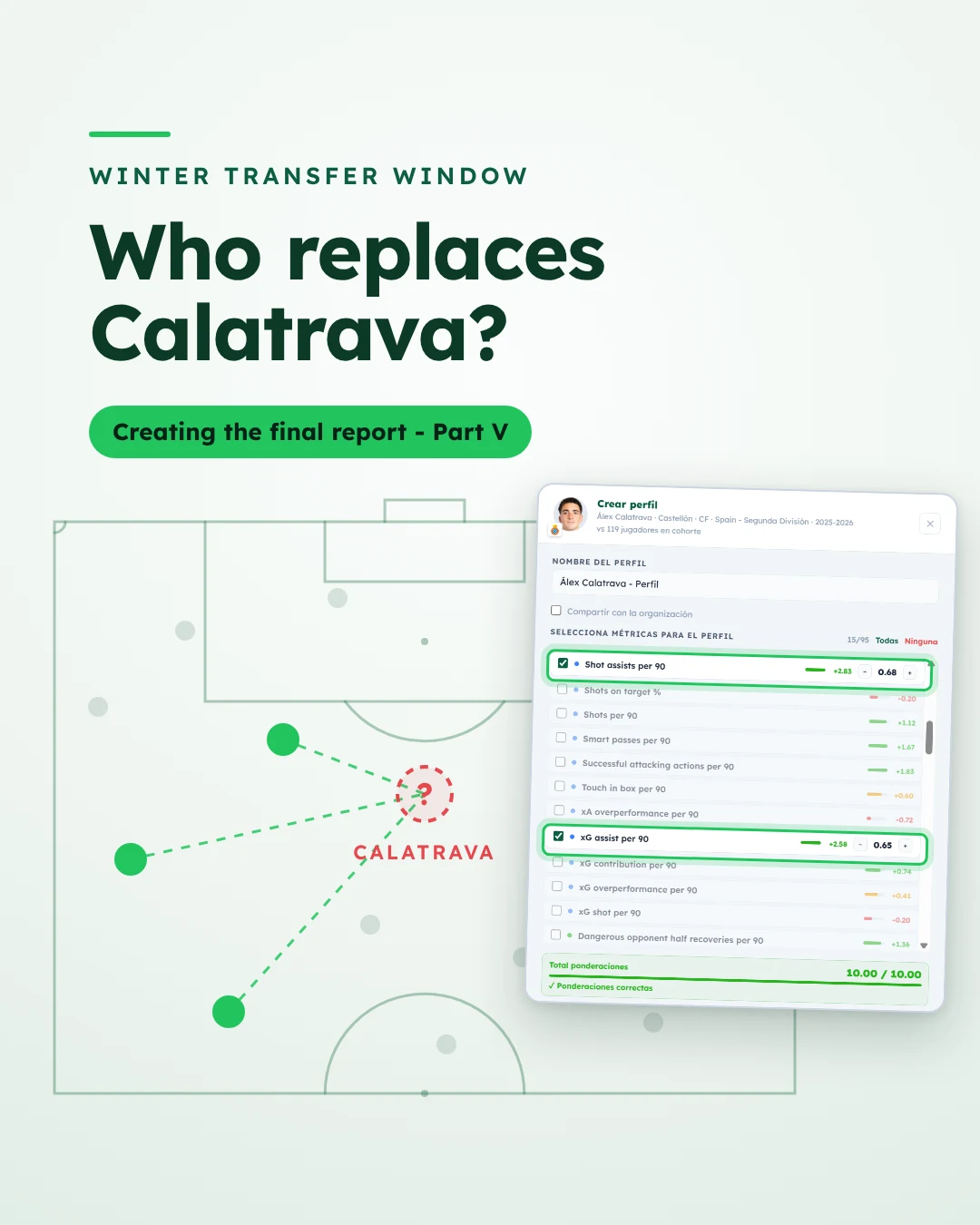
We have reached the end of the series. In the fourth part we left six candidates in a shared list, placed in a formation and with viewings, calls and meetings in the calendar. One step is still missing, and it is the last step of any scouting process: writing down what we think of each player, with a rating and a recommendation that the sporting director can read, discuss and file.
We will do it with Patrik Wålemark, the Swedish winger from Lech Poznań that we found in the second part with our experts’ profile.
Creating the report from the list
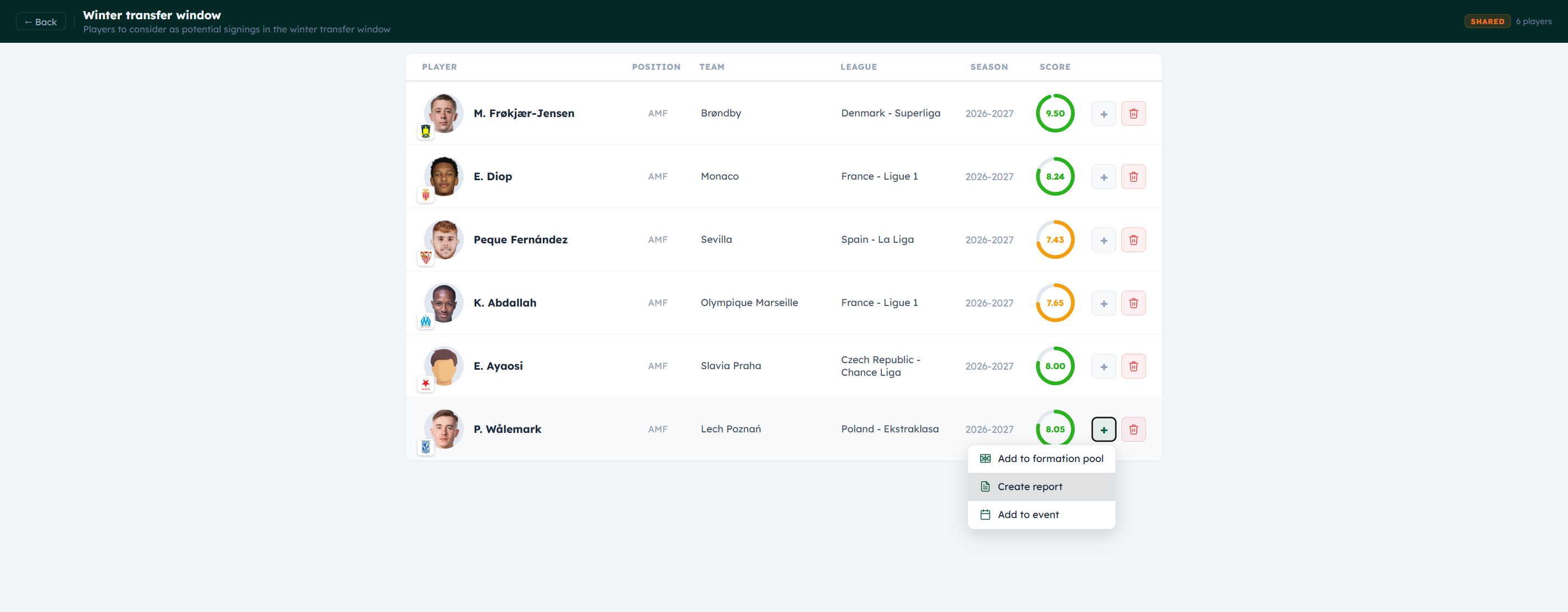
The report starts where the player already is. In the “Winter transfer window” list, Wålemark’s ”+” button has the “Create report” option.
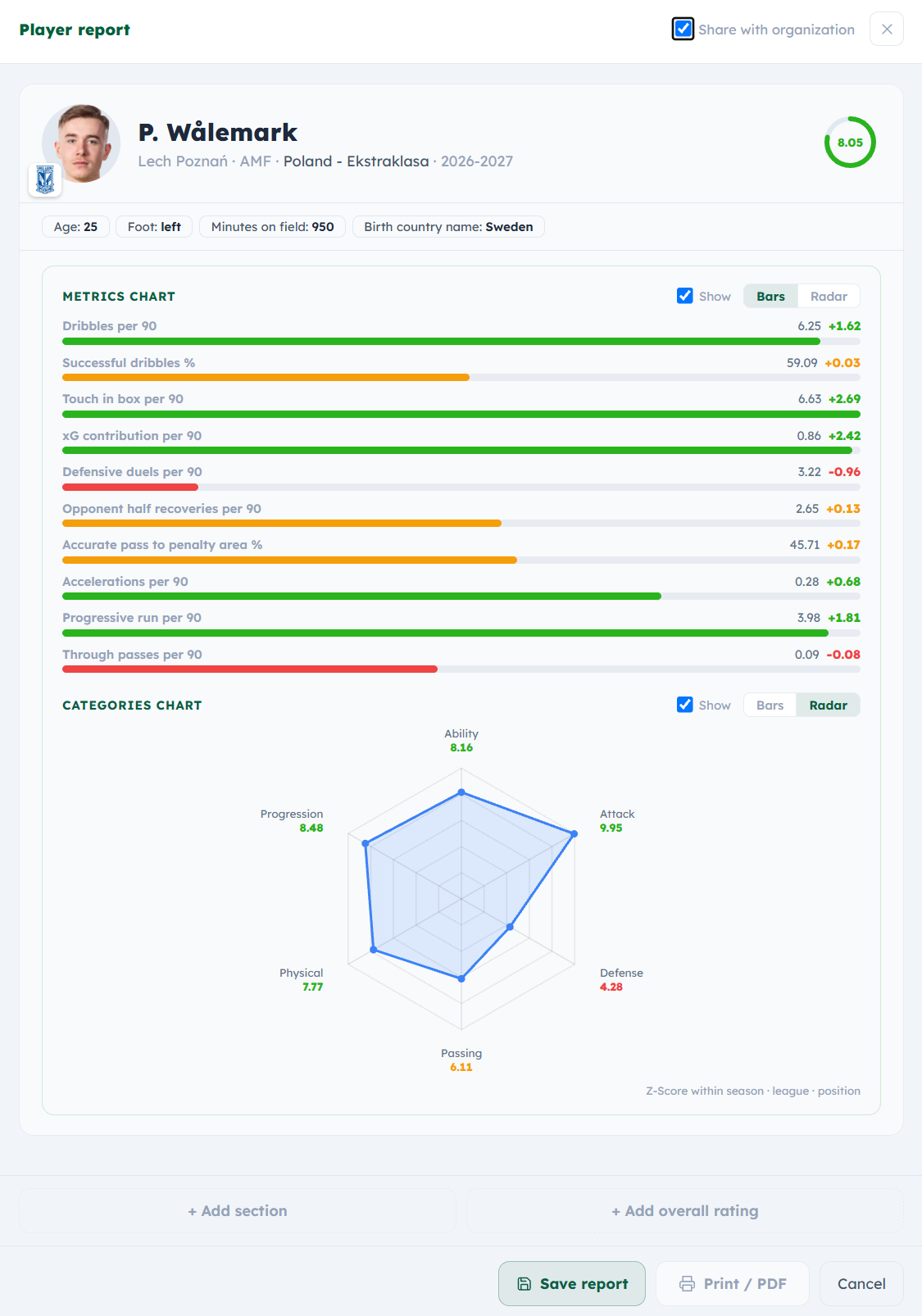
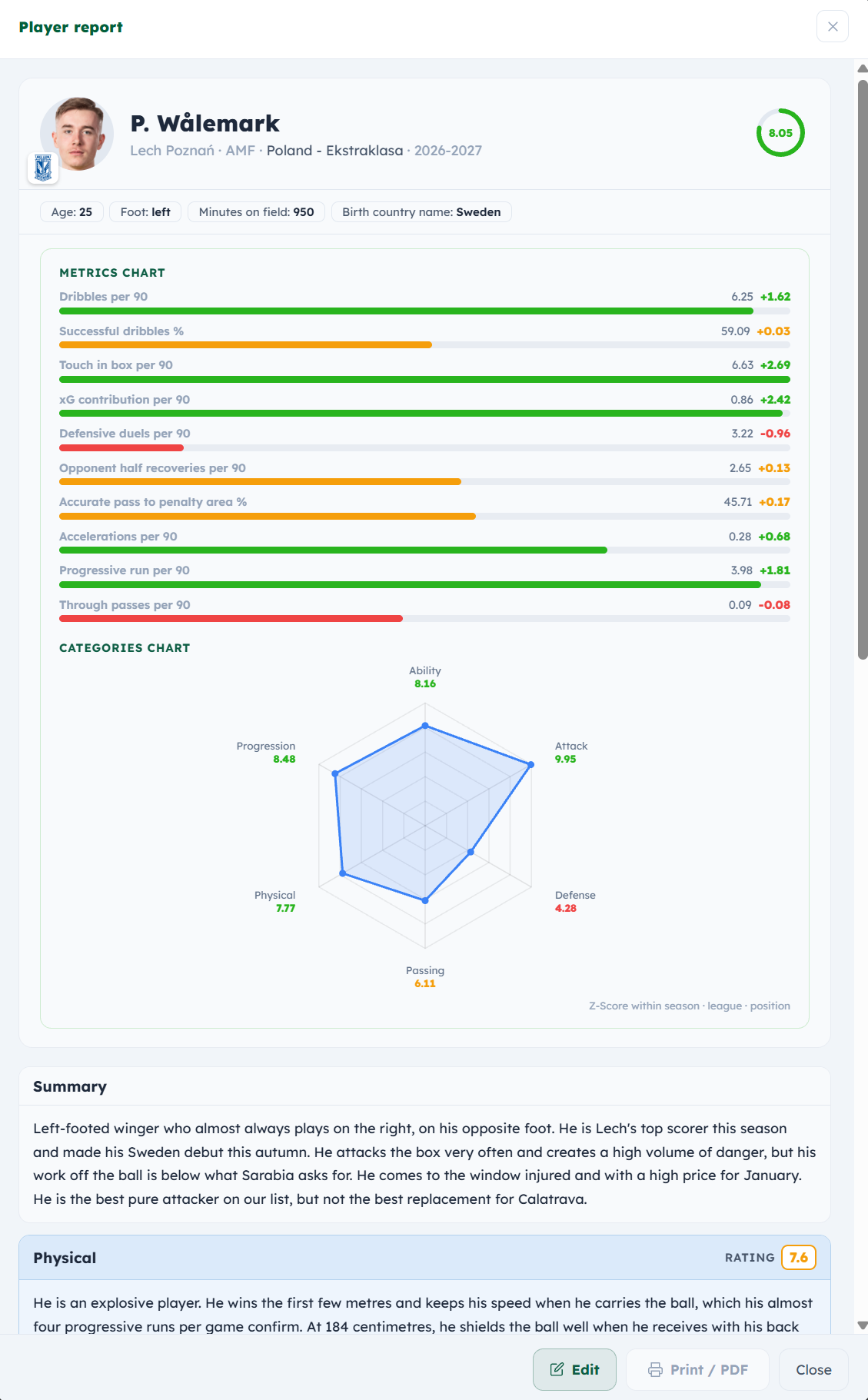
The report does not start blank. At the top is the player card: team, position, league, season, the score of the profile he entered the list with, and his values in the filters of that search: 25 years old, left-footed, 950 minutes and born in Sweden. Below are two charts with the data from that same profile. The metrics chart shows each metric with its value and its z-score: his 6.63 touches in the box per game, his 0.86 xG contribution per 90 or his defensive duels below the average of his league. The categories chart sums up the profile in blocks: attack, progression, physical, passing, ability and defence.
Each chart can be shown as bars or as a radar, and it can be hidden if the report does not need it. In this screenshot, the metrics are in bars and the categories in a radar. Bars are easier to read when you need to compare specific values. The radar shows the shape of the player at a glance, and with Wålemark that shape is very clear: a lot of attack and progression, little defence.
Adding sections
With the data already in the report, it is time to write. The “Add section” button creates a block with a title and free text. For Wålemark we have prepared eight: summary, physical, technical, tactical, mental, fit at Espanyol, context and risks, and recommendation.
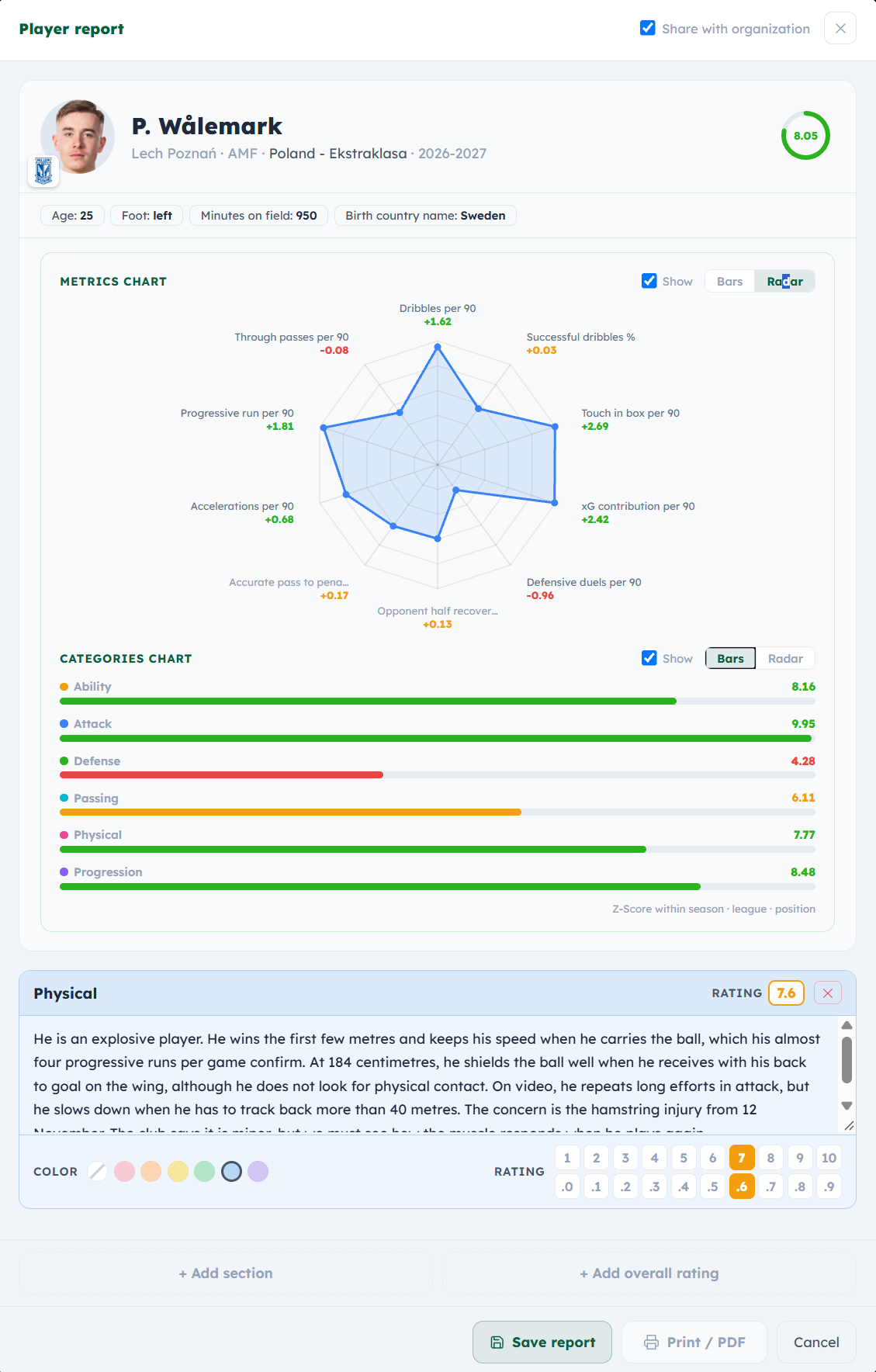
Each section can be customised. You can give it a colour to set it apart from the rest, give it a rating from 1 to 10 with one decimal, move it up or down with the arrows to change the order, or delete it. In the screenshot, the physical section has a 7.6. And here we have switched the charts: the metrics are now in a radar and the categories in bars.
The rating is optional. The summary and the recommendation do not have one, because they do not assess a specific aspect of the player. One explains who he is and the other says what to do with him.
The overall rating
At the end of the report, the “Add overall rating” button adds the global assessment of the player. We have given Wålemark a 6.5.
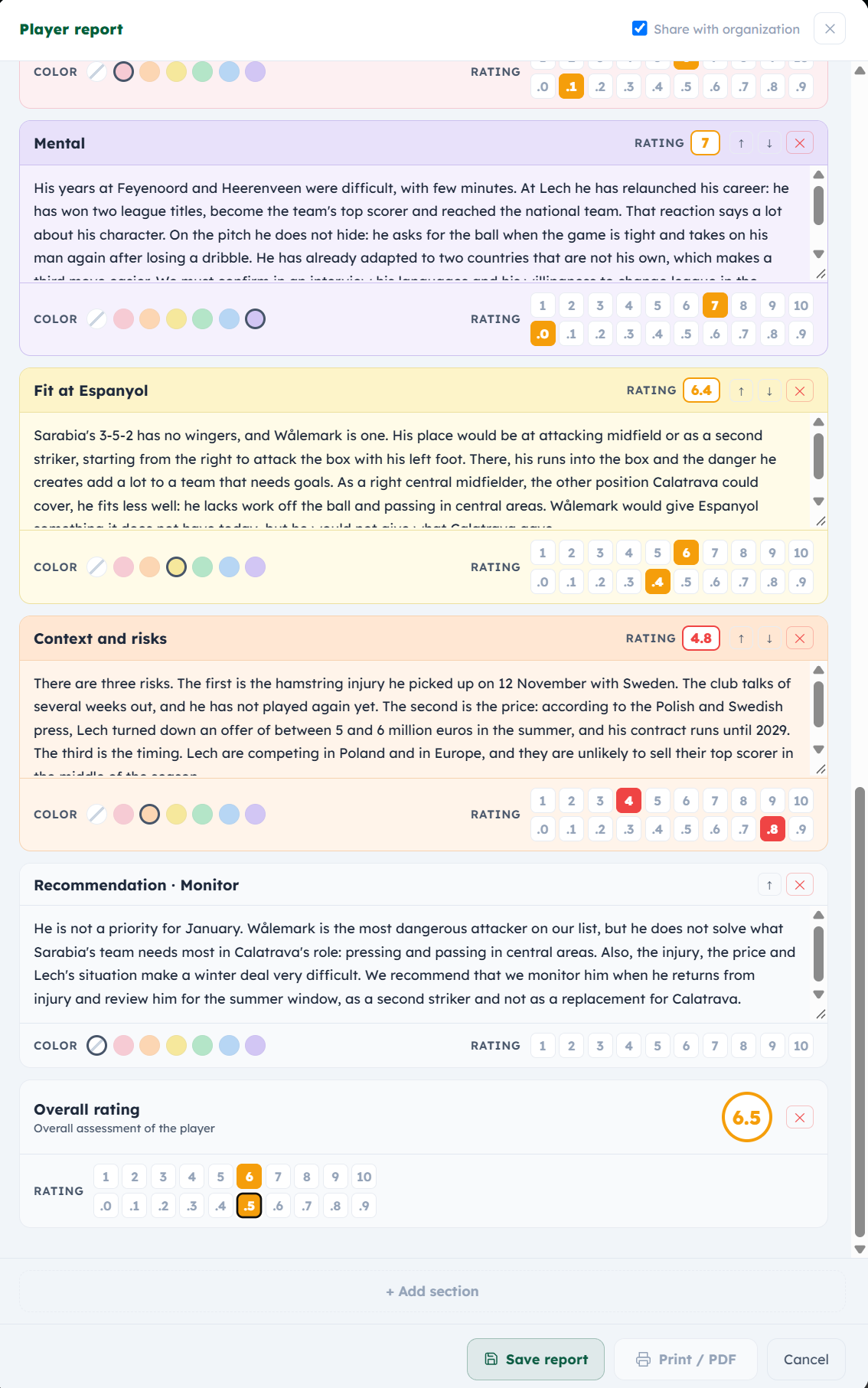
The overall rating is lower than the 8.05 of the profile, and that makes sense. The profile score measures how close his data is to what we are looking for. The report rating includes everything else: what you see on video, how he fits in Sarabia’s 3-5-2, the hamstring injury he picked up with Sweden in November, his price and how hard it is to take an important player from his club in the middle of the season. That is why the recommendation is to monitor him, but not as a priority for January. Wålemark is the most dangerous attacker on the list, but he is not the best replacement for Calatrava.
Before saving, the report has the same checkbox as the lists, the formations and the events: share with the organisation. Here too it is optional. A scout can keep the report to himself while he finishes it and share it when it is ready.
The organisation’s reports
Saved reports appear on their own screen, with the player, his team, his league, the number of sections, the date and whether the report is shared. From here you can open, edit or delete it.

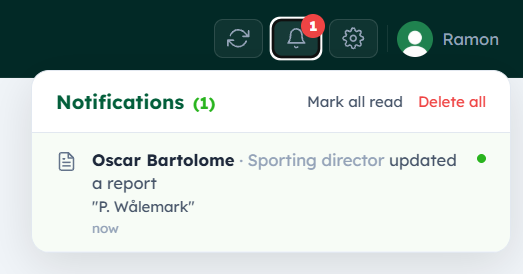
Because Wålemark’s report is shared, the rest of the organisation gets a notification, just as with the lists or the calendar. The analyst knows the report is ready without anyone telling him.
Reading the report in Smart Scouting System
The report has a reading mode. It looks the same as in editing, but without the colour and rating selectors: the player card, the charts, and each section with its colour and its rating. It is the way to read it inside Smart Scouting System before a meeting, with no risk of changing anything by mistake. If something needs a fix, the “Edit” button takes you back to editing mode.
Printing or saving as PDF
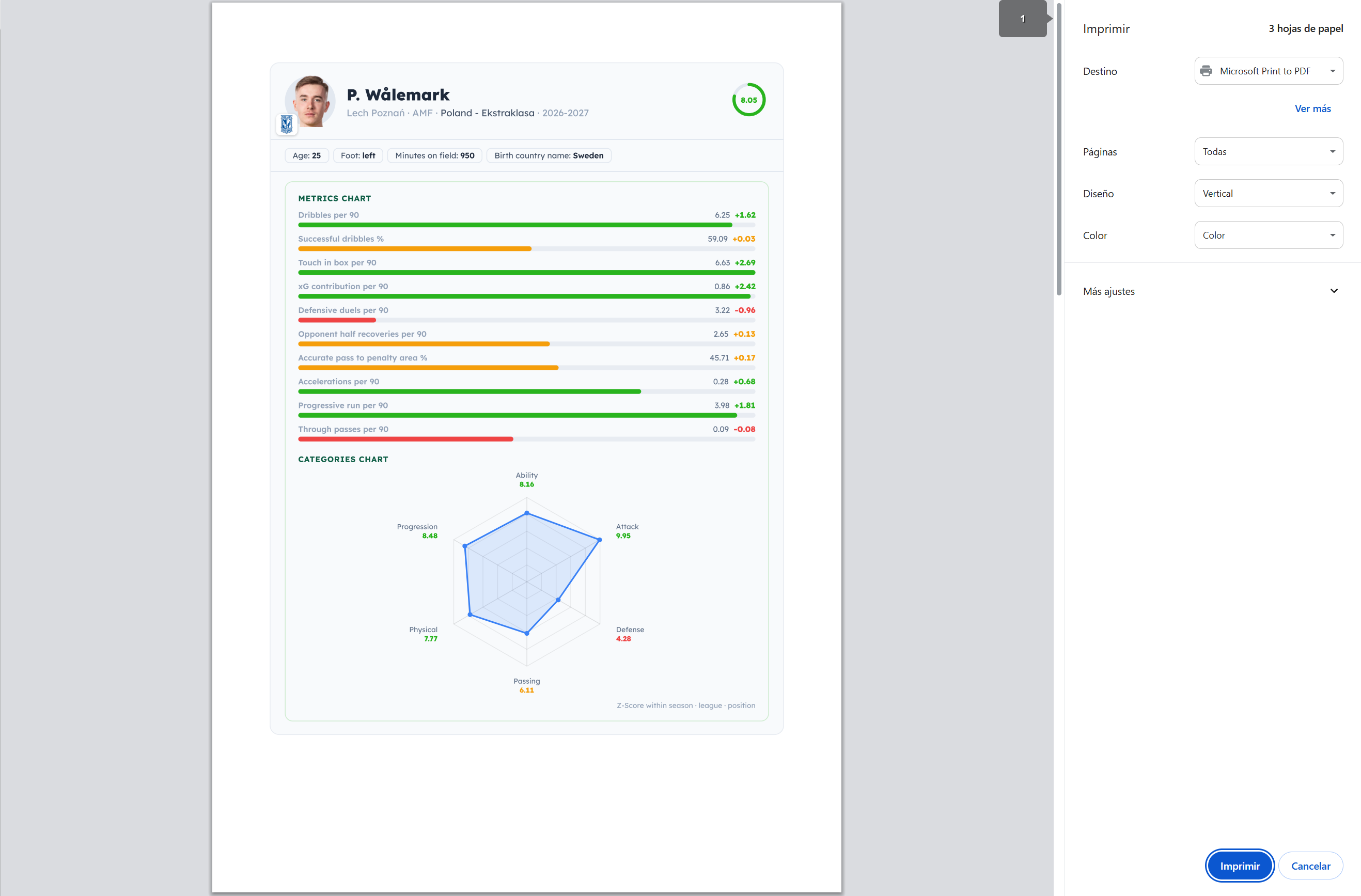
Not everyone at a club will open the application. There are presidents, board members and coaches who prefer a document. For them there is the “Print / PDF” option, which prepares the report for paper: the player card, the charts and all the sections, in this case on three pages. From the same window you can print it or save it as a PDF to send by email.
Conclusion
In five instalments we have done the full work of a recruitment department facing a long-term injury. In the first, we connected the data and configured the metrics. In the second, our experts designed Calatrava’s profile for Sarabia’s Espanyol. In the third, the profile builder built it from his own data and the analyser reviewed it. In the fourth, the organisation shared out the work with lists, formations and a calendar. And in this last one, the analysis has ended in a report with a rating and a recommendation.
That is the value of Smart Scouting System: the whole process happens in one place. The player who appears in a ranking is the same one who goes into a list, a formation, a calendar event and a report. And each step keeps the context of the one before, from the profile that found him to the data he had when we added him.
There is one detail we have not shown in the series: everything we have seen works the same on a tablet or a phone, because Smart Scouting System has a responsive design. The sporting director can check the ranking on the train, the scout can look at the list from the stands and the report can be read on any screen.
The tool does not sign anyone. What it does is make sure that, when the time comes to decide, the club has the right candidates in front of it and all the information it needs to choose well.